
Players
Portal: The web-based project administration [PORT-Portal-10]
Overview
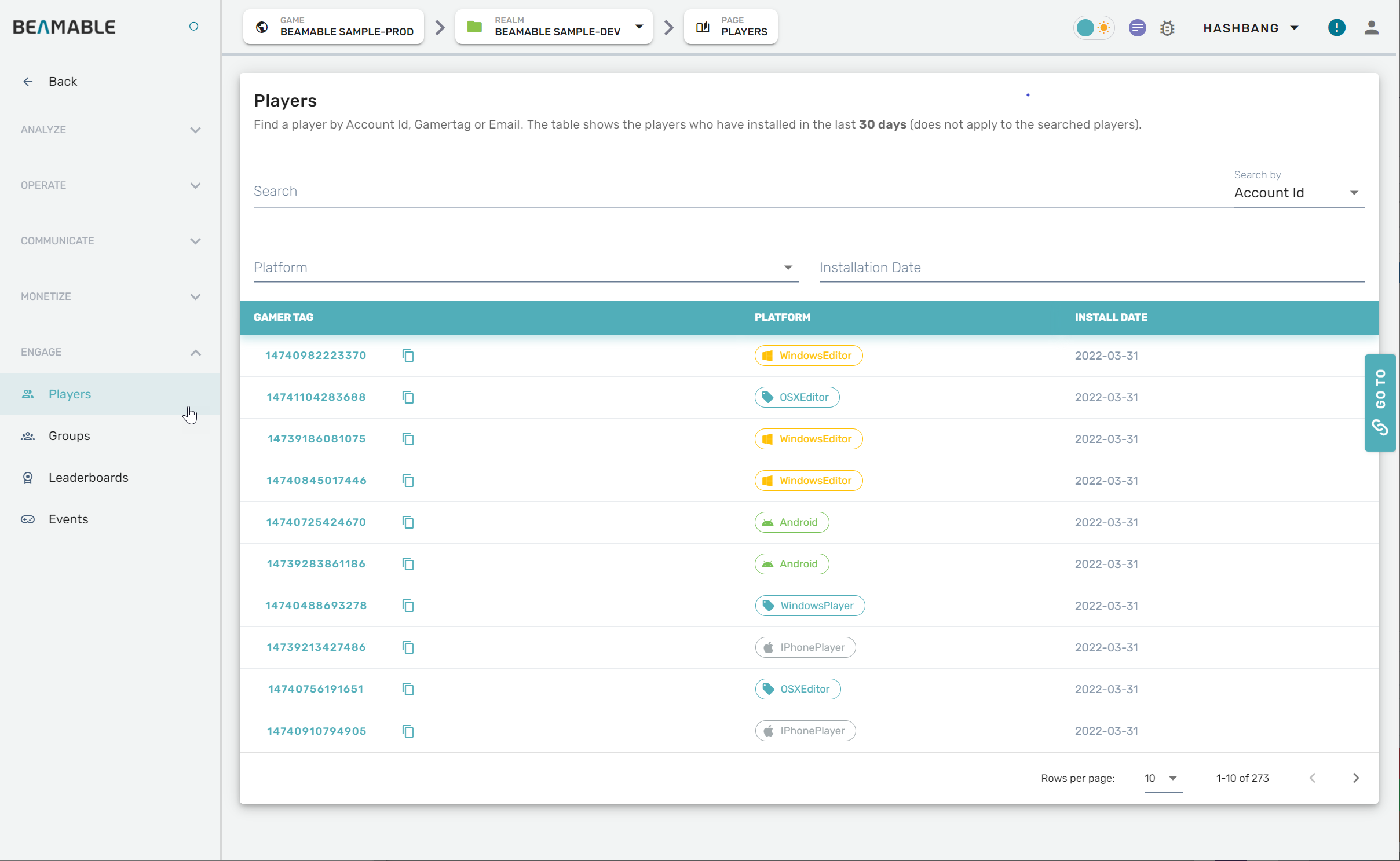
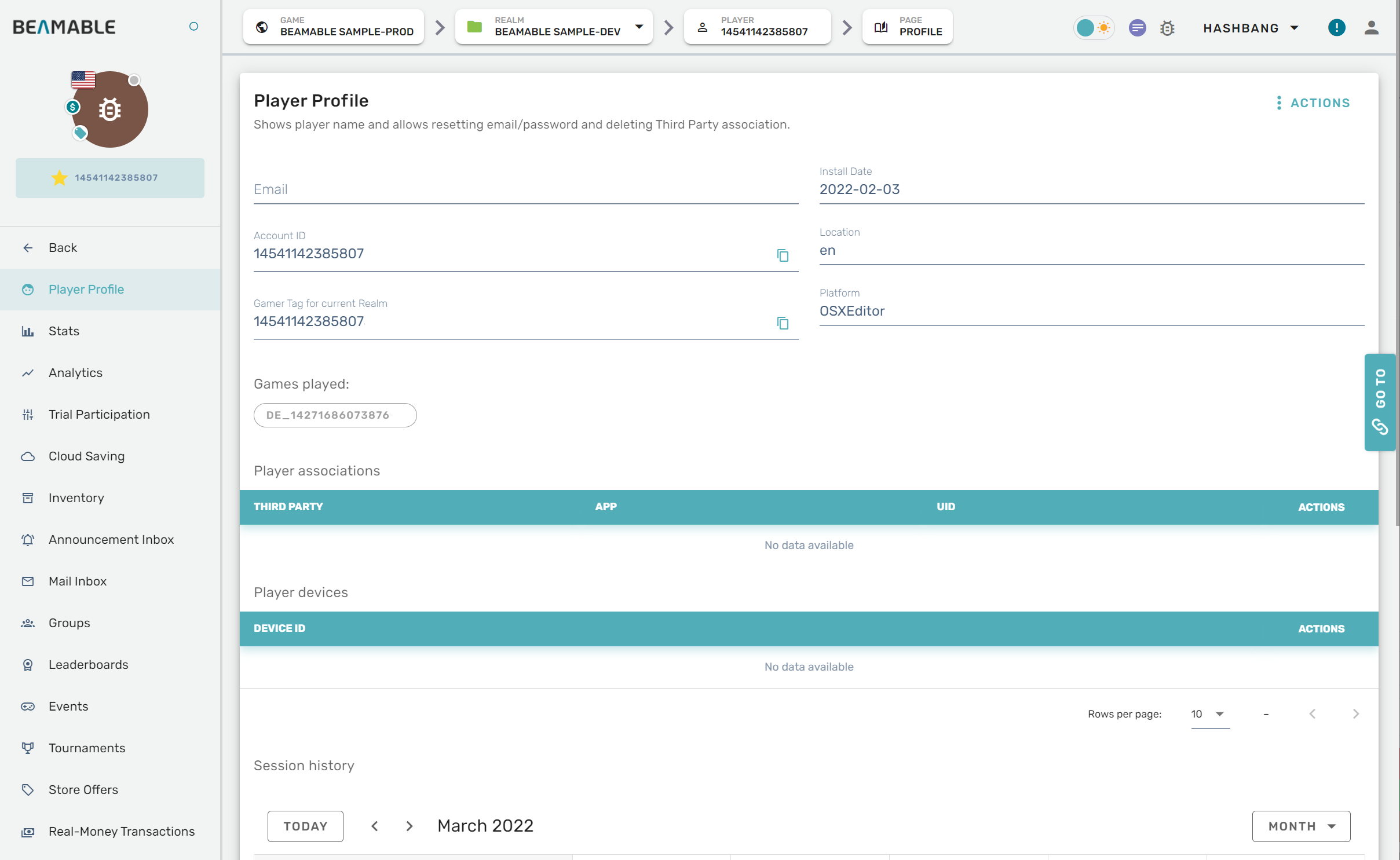
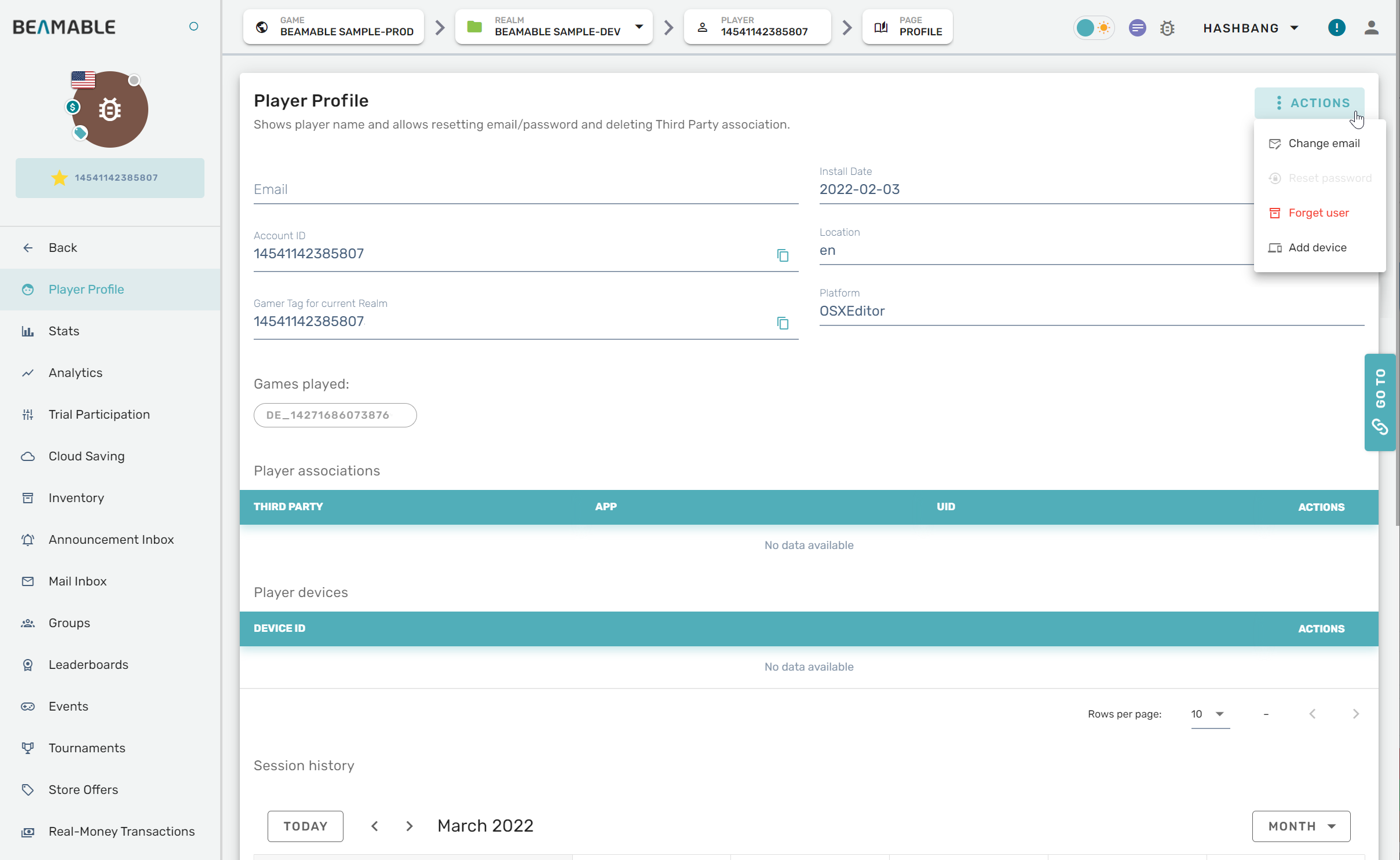
Here is everything needed to use the Admin Feature's Players in the Beamable Portal Tool Window.
Steps
Follow these steps to get started:
| Step | Detail |
|---|---|
| • See Portal for more info |
| • Click "Players" |
| • Enjoy! |
Game Maker User Experience
During development, the game maker's user experience is as follows:
Updated 12 months ago
Did this page help you?